


Good decisions.
Better merchandise.
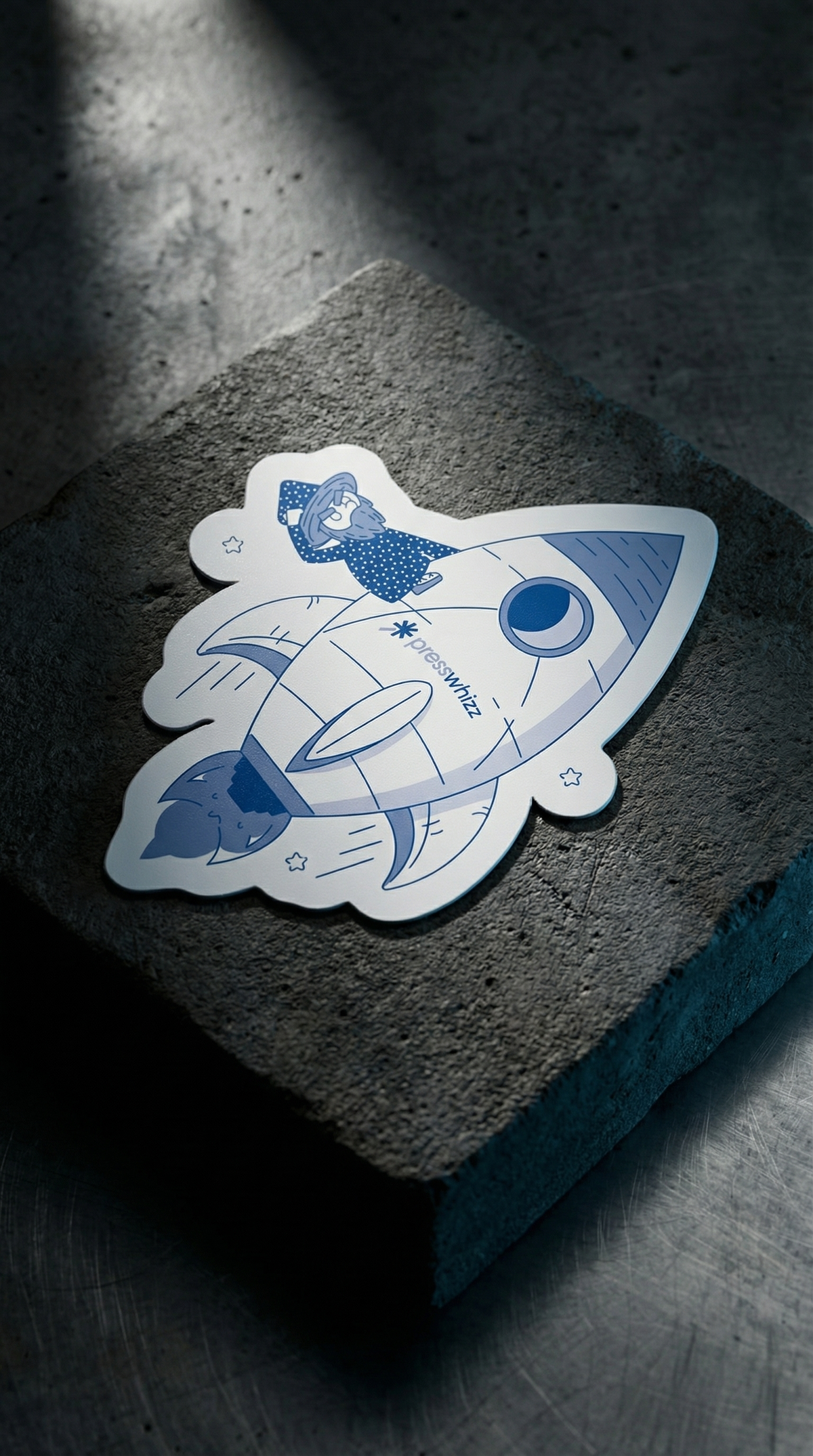
You have the artwork. Now choose what it should feel like in someone’s hand. Standard gloss vinyl and holographic vinyl can both become die cut stickers, but they create different visual effects.
First, separate the shape from the finish
“Die cut” describes a sticker cut to a custom outline. A rounded wordmark, an illustrated character and a more angular badge can each have their own silhouette. “Gloss vinyl” and “holographic” describe the finish. You are choosing both an outline and a material effect, rather than choosing between two types of shape.
At Project Print, our standard die cut stickers use gloss vinyl. Our holographic die cut stickers add a reflective rainbow effect. Keep that distinction in your brief so the artwork is reviewed for the product you actually want.

Choose standard gloss vinyl when the print should lead
Gloss vinyl gives the printed design a shiny surface without the shifting rainbow effect of holographic material. It is a useful starting point when you want the lettering, illustration or colour palette to do most of the visual work. It still deserves a considered layout: a strong outline and legible lettering often matter more than adding extra information.
Think about where the sticker will be seen. A parcel insert can be picked up and examined, while a design intended to be recognised at a glance needs a simpler hierarchy. Include the intended surface and use in your enquiry so suitability can be checked rather than assumed.
Choose holographic when the material is part of the design
Holographic vinyl reflects different colours as the light and viewing angle change. That movement is part of its appeal, but a flat screen mockup cannot reproduce the complete effect. Keep the main message clear and discuss how you want the finish to interact with the printed artwork.

Check the artwork at its finished size
A logo can look clear when it fills a laptop screen and become difficult to read on a small sticker. View the design at the dimensions you plan to order. Pay particular attention to fine lines, small lettering and narrow spaces between elements. If information disappears, simplify it before approving the artwork.
A useful sticker brief
- The original artwork file, if available.
- The intended finished dimensions and quantity.
- Standard gloss vinyl or holographic vinyl.
- The proposed outline and intended use.
- Your required date, including time for review and delivery.
Can a holographic sticker be die cut?
Yes. Holographic is the finish; die cut is the custom outline. Explore the separate product pages for the current options, minimum quantities and pricing before choosing your order.
Start with gloss vinyl die cut stickers or compare holographic die cut stickers.


